How to Send Content Approval Emails Automatically from Airtable
You finished the draft. It is brilliant. You messaged your editor. Nothing. You sent an email. Crickets. This is the dark side of a manual content approval workflow. We rely on people actually checking their notifications. Bad idea. Humans are distracted, stressed, and hungry. They forget. You need a system that nags them for you, mercilessly but politely.
Make Airtable the Brain of Your Operation
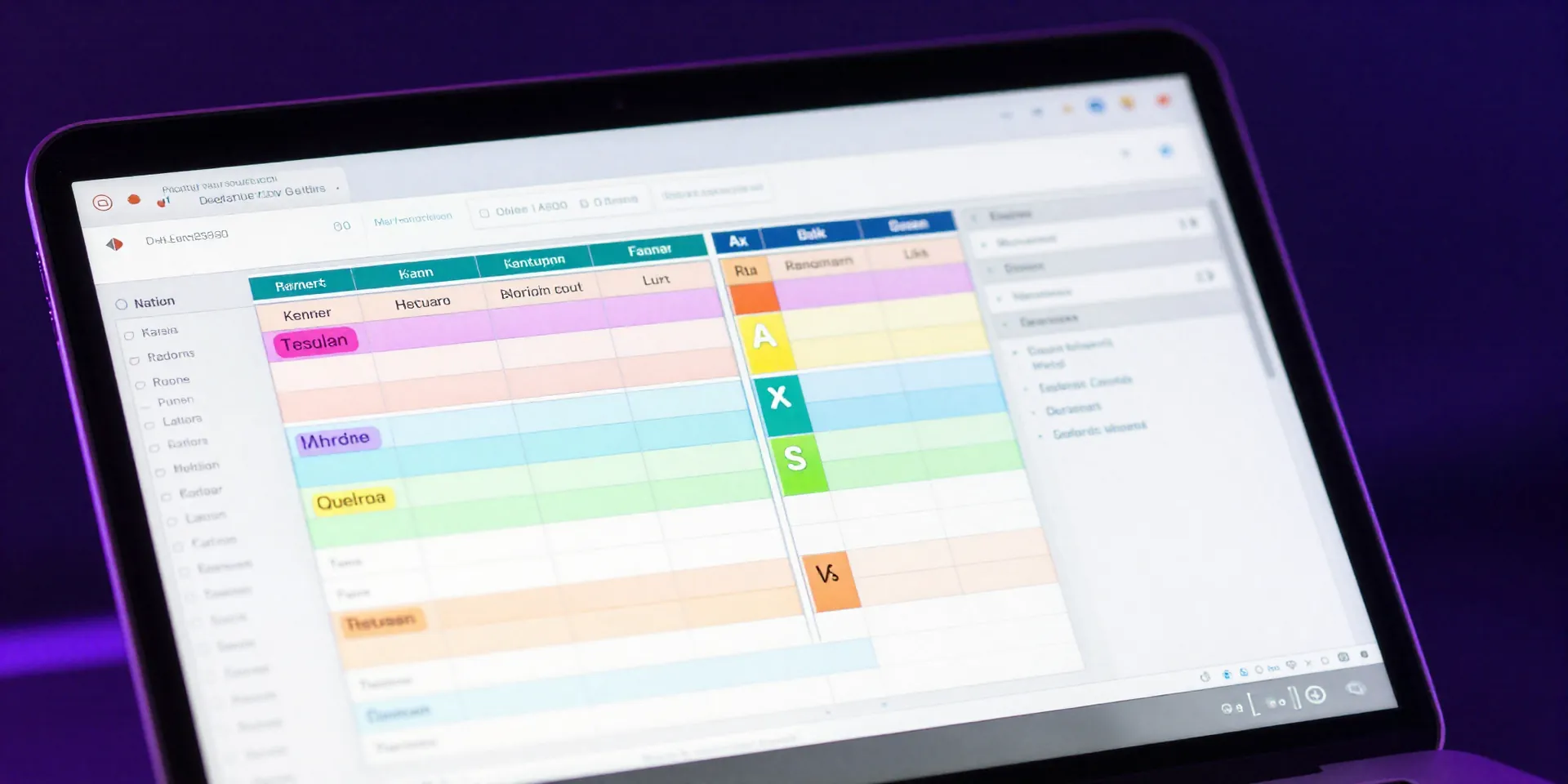
First things first. Your base needs to be spotless. None of this Maybe Done or Draft v2 Final nonsense. Create a single-select dropdown field. Call it Status. Add a specific option named Needs Approval. This tiny little dropdown is the trigger for your entire automation engine. When a record hits that status, the magic happens. Keep it simple.
Firing Off Emails Without Lifting a Finger

Airtable has built-in automations. They are actually pretty great. Go to the Automations tab. Set the trigger to fire when a record matches conditions. The condition? Status equals Needs Approval. Then add an action to send an email. Draft a punchy message pulling in the record title and link. Boom. Instant airtable email automation. The second you flip that status, your editor gets an email demanding their attention. No awkward follow-ups required.
When You Need the Heavy Artillery
Sometimes native features fall short. Maybe you need to route approvals to different departments based on the blog category. Legal needs to see the finance stuff. Marketing wants the product updates. That is when you bring in outside help. Setting up zapier approval emails gives you conditional logic. Zapier watches your Airtable base, checks the category, and routes the email to exactly the right inbox. It takes five extra minutes to build. Worth every second.
Reclaim Your Mental Bandwidth
Chasing people is exhausting. It drains the creative energy you should be using to write better content. By automating the hand-off, you remove the friction. You finish a piece, change a dropdown, and close the tab. The robots handle the rest.