Zapier Webhooks: Pushing Custom App Data into Airtable Content Calendars
Let's be real. Your content calendar is probably a bit of a liar. It shows what you *plan* to do. But the real story—the stuff happening in your custom dashboard, your internal tools, your niche SaaS app—that's living somewhere else entirely. Manually copying that data over is the kind of tedious work that makes you want to close your laptop and take a very long walk. But what if that data could just... walk itself over? That's the promise here. Not magic. Just a smarter pipeline.
Zapier Webhooks: The Bouncer for Your Data Party

Forget the technical jargon for a second. Think of a Zapier webhook as a dedicated phone line. Your custom app picks up the phone, calls Zapier, and says "Hey, a thing just happened." It doesn't send the whole database. It just sends a quick message—a "payload"—with the vital details. A new user signed up? *Ring ring.* A support ticket was escalated? *Ring ring.* A piece of content was approved in your internal CMS? You get the idea. The webhook is the call. Zapier is the operator who listens and decides what to do next.
Building the Bridge: Your First "Zap" From Nothing to Airtable
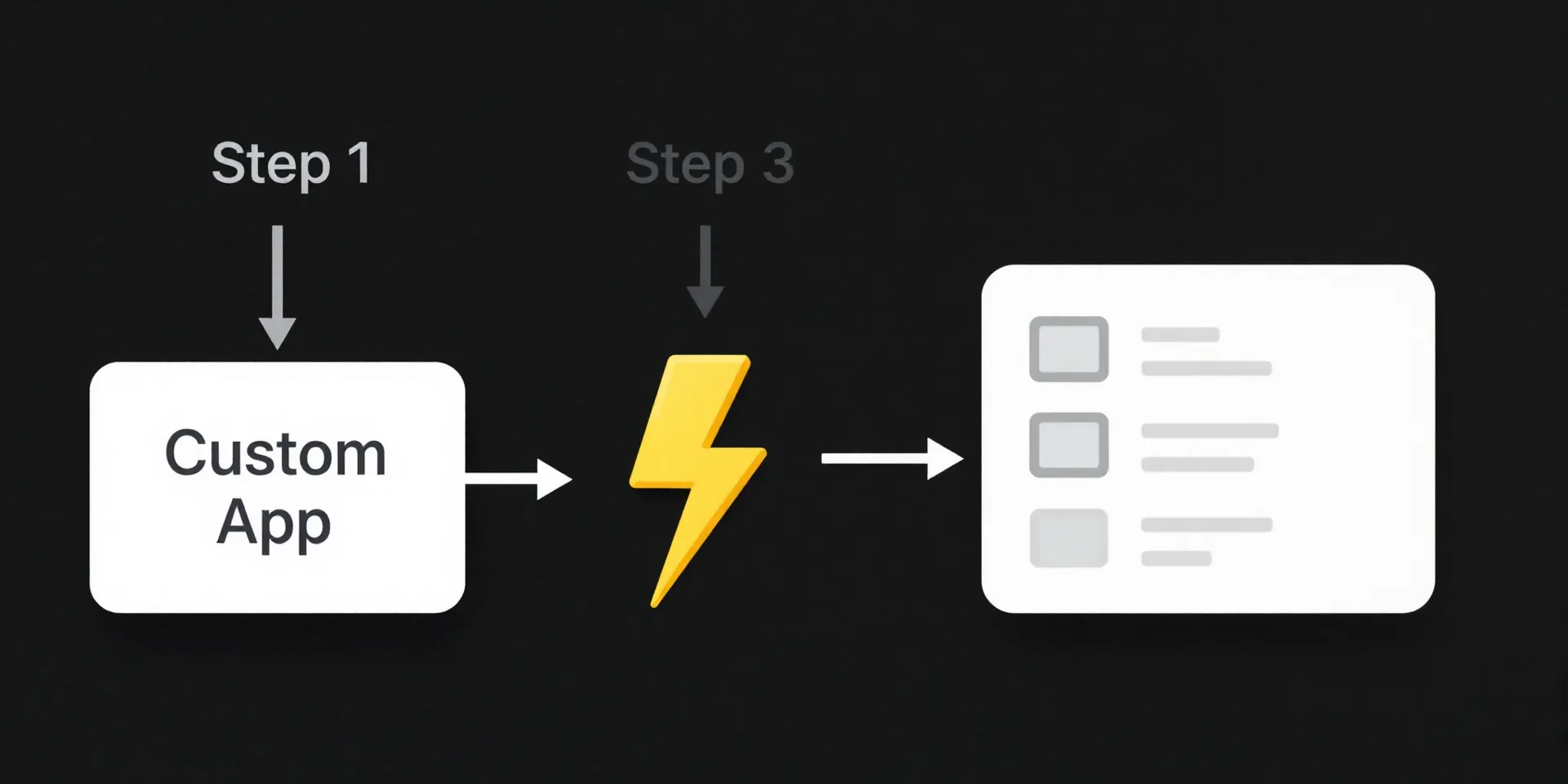
Here's where it gets fun. You go into Zapier and click "Make a Zap". The trigger? "Webhook by Zapier" – specifically, "Catch Hook". Zapier will give you a unique URL. That's your phone number. You copy that URL into your custom app's settings (wherever it lets you set up webhook notifications). Now, tell your app *what* to send. Usually, it's a JSON packet. Test it. Send a dummy update. You'll see the data land in Zapier like a parcel on your doorstep. Suddenly, the abstract idea is real. You caught something.
Shaping the Chaos: Making Airtable Understand Your Data
Zapier has the data. But raw JSON looks like alphabet soup to a content calendar. This is the mapping step. You add "Airtable" as your action. "Create Record." Now you see your Airtable base, your table. And you see all those weird JSON fields from your app on one side, and your clean Airtable columns on the other. You draw the lines. `post_title` from the webhook goes into the "Title" column in Airtable. `author_name` goes into "Assigned To". `publish_date` goes into "Publish Date". This is the moment of translation. You're teaching two systems to speak the same language.
The Killer Use Case: Automating the Invisible Work

This isn't about theory. It's about killing the tasks you hate. Is your development team using Jira or Linear? Zap every completed ticket into an "Ideas" table in Airtable. Did your analytics platform flag a top-performing blog post? Zap that post's data into a "To-Repurpose" calendar slot. Got a form submission for a guest post? Zap it directly into your "Pitch Review" table with all the details attached. The point is to stop being the human router for information. Your job is to strategize and create, not to copy-paste. Let the zap do the walking.