Automating Agency Profitability Tracking with Airtable and Zapier
Ever have that sinking feeling at month-end? You hustle, you deliver, but your actual profit feels like a mystery. You're juggling invoices, expenses, and time logs. Probably across different tabs, tools, and scribbles. The math is spread out, messy, and frankly, late. Sound familiar? Your gut check isn't a financial strategy. It's a gamble.
Your New Financial Brain: Airtable Meets Zapier

Let's talk about a better way. Airtable is like if a spreadsheet and a database had a super-organized baby. And Zapier? It's the invisible robot that connects all your apps. Think of them as your new, tireless finance department of two. They don't get tired. They don't copy numbers incorrectly. They just make sure every dollar in and out is accounted for, automatically.
Building Your Profitability "Command Center"
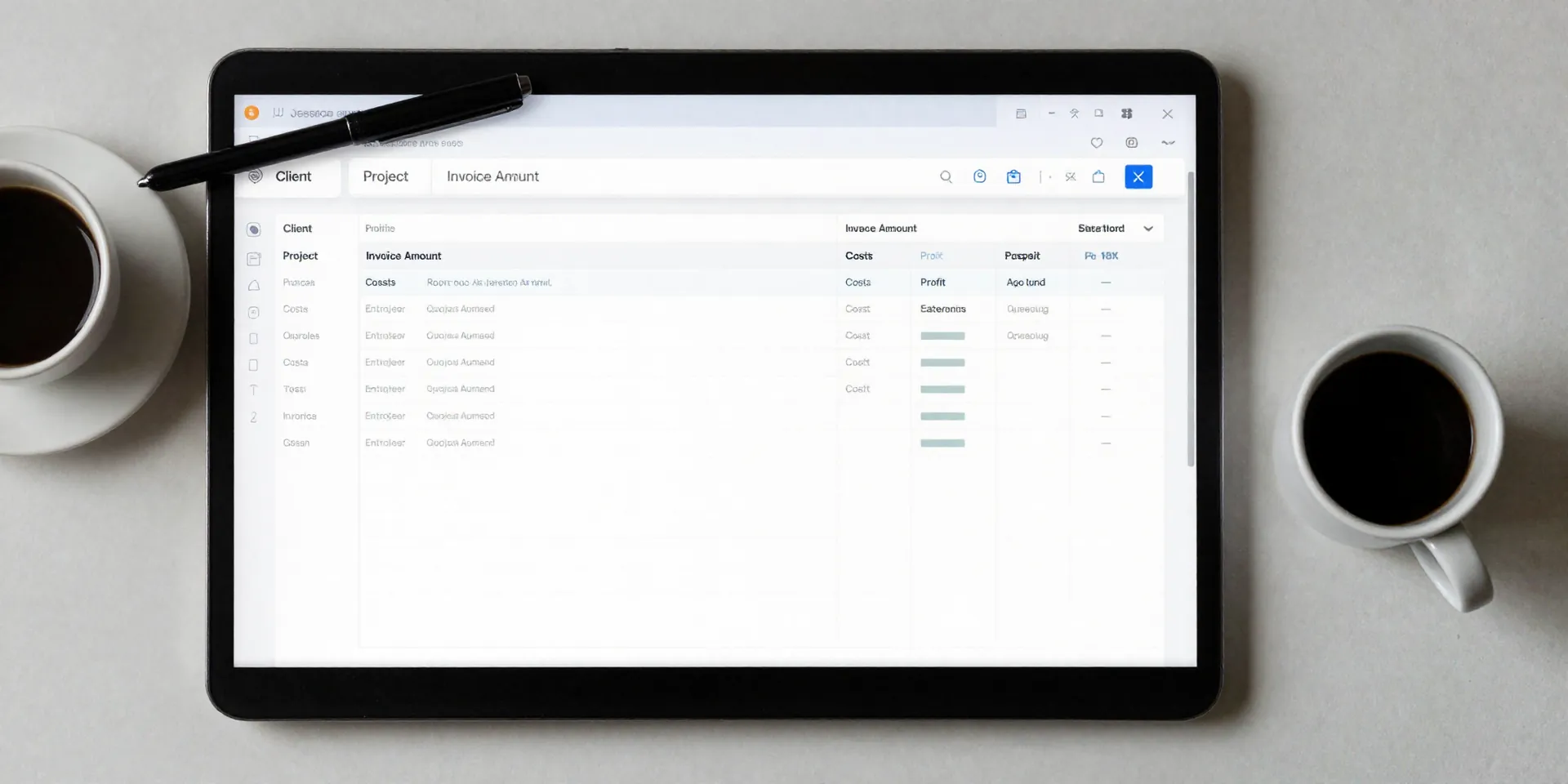
Step one: Build your single source of truth in Airtable. Your base needs a few key views. A Projects table. A Clients table. A master Incomes and Expenses table. This isn't complicated. It's just a house for your numbers, with clear addresses. Start simple. Client name, project name, invoice total, project costs. That's your core. The magic? Zapier fills this house for you.
The Automation Magic: How The Data Flows
This is where the "set it and forget it" happens. A new invoice gets paid in Stripe or QuickBooks? Zapier catches it and adds the amount to your Airtable income log. A contractor submits hours in Harvest? That cost gets logged against the right project. It's about creating triggers. Payment received = log income. Expense approved = log cost. One action at a time. Suddenly, your command center is alive with real-time data. No manual entry. Ever.
From Raw Data to "Oh, That's Why"
Now for the good part. With all your data in one place, Airtable starts working for you. Create a view that shows profit by client. Another that shows profit by service type. Sort it. Filter it. Which clients are your cash cows? Which projects are secretly bleeding money? The answers are right there. It’s not just tracking profitability. It's diagnosing it. You can finally see the "why" behind the number.
No More Month-End Panic, Just Clarity
The goal here isn't just more data. It's less headache. You stop reacting and start steering. When you know your real-time profit margin, you make better decisions. You can price confidently. You can have real financial talks with your team. Profitability tracking stops being a forensic accounting exercise you dread. It just... happens. In the background. Leaving you free to actually run your agency.